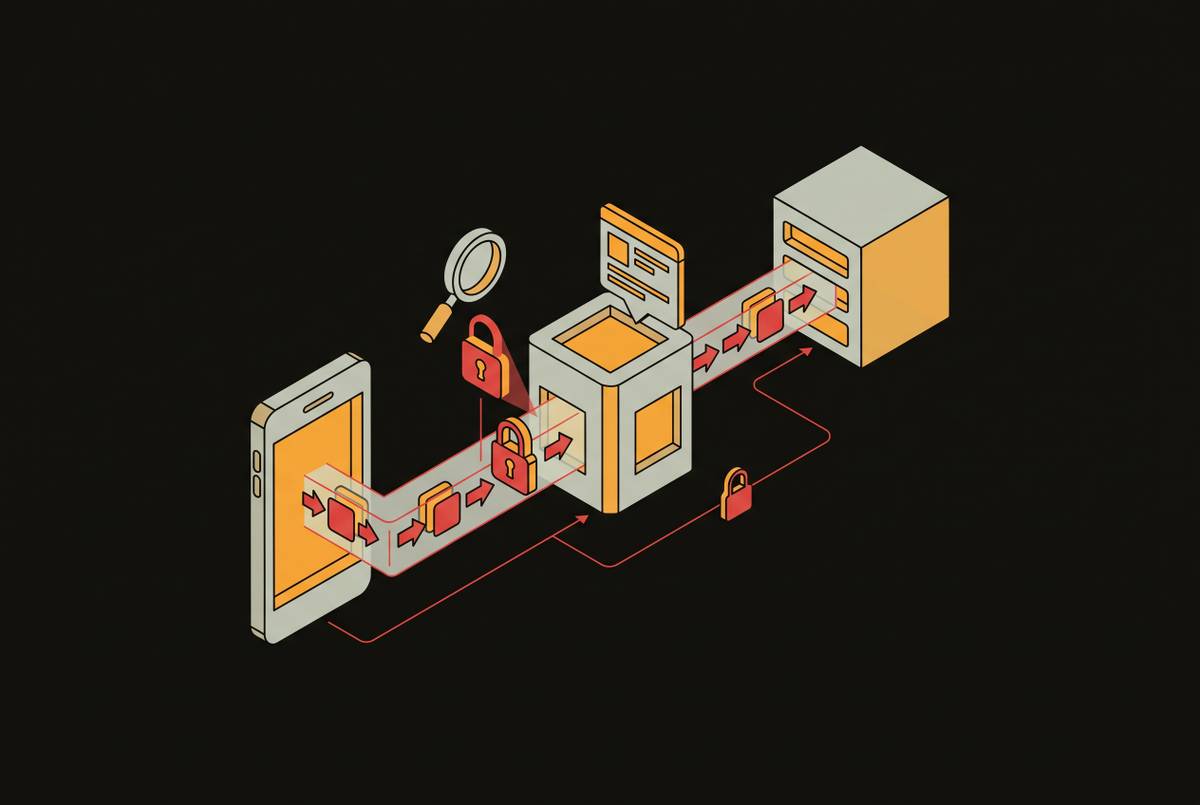
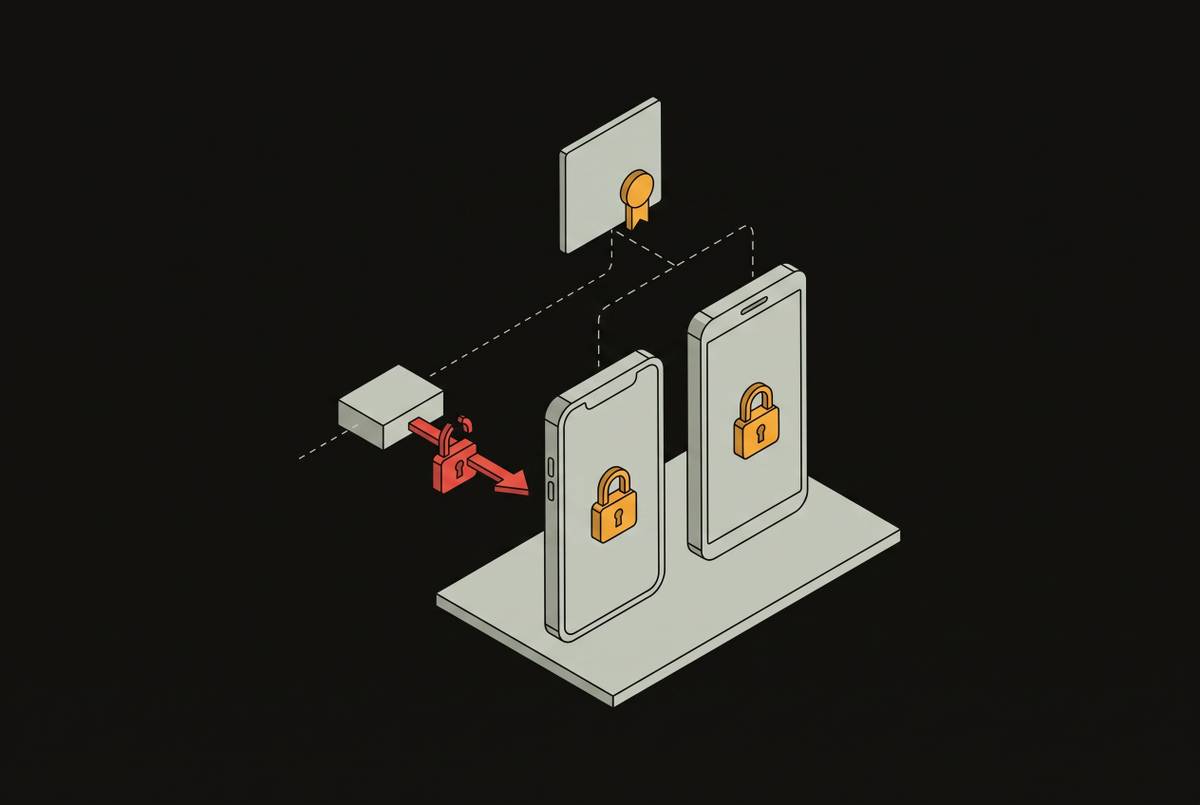
Insecure Data Storage in iOS Keychain and Android Keystore
Hardware-backed security means nothing if developers store secrets in unencrypted databases instead.
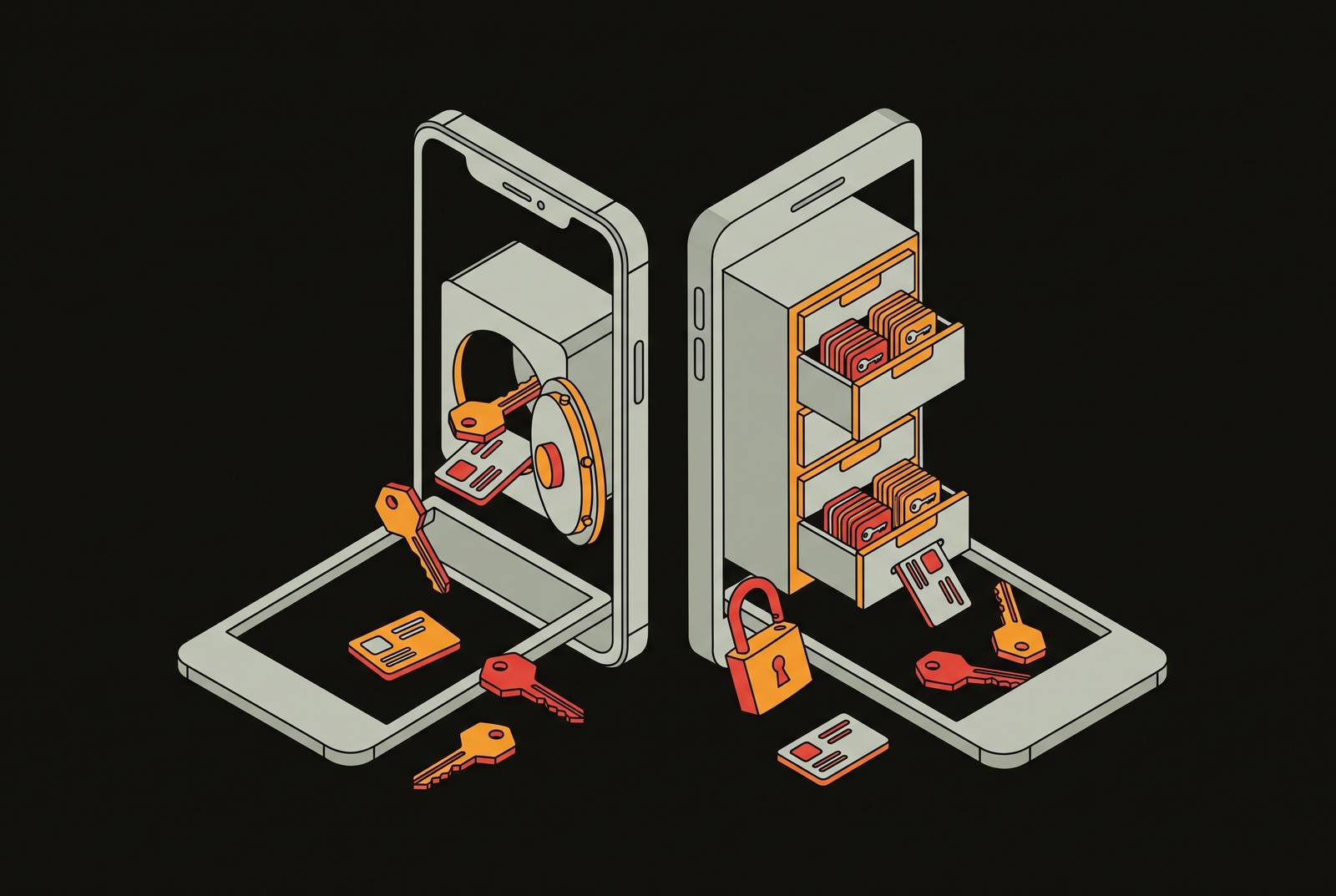
The iOS Keychain and Android Keystore are hardware-backed cryptographic primitives, not software conveniences bolted onto the operating system. Apple binds Keychain keys to the Secure Enclave; Android binds Keystore keys to a dedicated secure hardware boundary or, on supported devices, a secure cryptographic chip. In both cases, keys never leave that secure hardware boundary. Item export is "No" on both platforms. That single fact carries a lot of weight: if a secret gets extracted from a properly configured Keychain or Keystore entry, the hardware didn't fail. The developer stored the secret somewhere else, or configured the boundary incorrectly.
That's the pattern behind nearly every mobile storage breach worth studying: sensitive data ends up in NSUserDefaults, SharedPreferences, SQLite databases, log files, or screenshot caches, none of which were built to protect it. Every one of those locations is readable with basic forensic tooling or through a device backup. Just a developer who reached for the convenient API instead of the correct one, with no zero-day and no exotic exploit chain required.
The platform does its job. The vulnerability gets introduced in application code, in the specific choices a developer makes about where data lives and how it's protected once it gets there. The rest of this piece works through those choices, platform by platform, because the patterns that undo a hardware-backed security model are specific, repeatable, and almost always avoidable.
The iOS Keychain's accessibility flags determine whether hardware protection is applied
A Keychain item's security depends on the accessibility class and access control flags set at write time, which vary widely in what they actually guarantee. Two apps can both claim to use the Keychain, but they can deliver completely different levels of real-world protection.
The correct baseline is kSecAttrAccessibleWhenUnlockedThisDeviceOnly. It encrypts the item, binds it to one device, and makes it inaccessible when the device is locked. A typical write using this class looks like this:
let query: [String: Any] = [ kSecClass as String: kSecClassGenericPassword, kSecAttrAccount as String: "user_token", kSecValueData as String: tokenData, kSecAttrAccessible as String: kSecAttrAccessibleWhenUnlockedThisDeviceOnly ] SecItemAdd(query as CFDictionary, nil)
Compare that with `kSecAttrAccessibleAlways`, the canonical anti-pattern. The word "Always" reads like a convenience guarantee to a developer racing a deadline. It's also a precise description of a security failure, and that naming mismatch is a large part of why the flag keeps showing up in misconfigured apps.

A second failure sits alongside the accessibility class: whether retrieval is bound to user presence at all. Omitting `kSecAccessControlUserPresence` or an equivalent flag means the app can read the secret without ever asking the user to authenticate, which defeats the entire premise of hardware-backed storage for anything meant to be authentication-gated.

Then there's iCloud sync. Setting `kSecAttrSynchronizable` to true pushes a Keychain item into iCloud Keychain, spreading it across every device signed into that account. The fix is to set `kSecAttrSynchronizable` to false explicitly and use an accessibility class with the `ThisDeviceOnly` suffix, which enforces the restriction at the platform level rather than relying on developer discipline alone.

The Secure Enclave itself doesn't protect every Keychain item automatically. Only keys generated with the correct configuration are hardware-backed. Items added under weak accessibility settings get encrypted with software keys instead, and those are reachable on a jailbroken device by reading the Keychain database directly off disk. Use `.biometryAny` instead, and the item stays accessible even after a new fingerprint gets added to the device, which is a quiet privilege escalation path if that device is ever stolen.

## Where iOS Developers Store Secrets Instead of the Keychain

A large share of iOS storage failures never touch the Keychain at all. The most common offender is NSUserDefaults, an unencrypted property list file sitting in the app's sandbox. Forensic tools like iExplorer can pull NSUserDefaults data off a device in seconds, which means the barrier to extraction is a download, not a skill set.

SQLite and CoreData create a second layer of the same problem. SQLite has no built-in encryption and depends entirely on the surrounding operating system for protection. An unencrypted SQLite file is extractable with standard forensic tools and tends to reveal more than the obvious fields: metadata, query history, and full records that might include PII or session tokens. The fix is explicit: SQLCipher or an equivalent encryption layer applied at the database level, because neither SQLite nor CoreData encrypts anything by default.

Either can retain sensitive input long after the session that generated it has ended.

Hardcoded secrets belong in a slightly different category, since they aren't a storage mechanism so much as a packaging mistake, but the exposure is just as real. The binary goes out to every user's device, where it can be inspected freely. Anything embedded in it should be treated as public the moment the app ships.

## How Android Keystore's Configuration Options Create Silent Security Gaps

Android Keystore keys aren't uniformly hardware-backed, and that's a detail easy to miss because the API looks the same regardless of what's underneath it. Even on devices that do support hardware backing, the developer has to request it explicitly. A key generated without specifying StrongBox or a hardware-backed TEE can end up stored in software, reachable on a rooted device under `/data/misc/keystore/`.

The most consequential gap involves authentication binding. A key created without that flag has no tie to the user's authentication state, and it will not invalidate when a fingerprint or face gets added or removed. A key intended to be gated behind biometrics can survive an enrollment change without anyone noticing, which is exactly the kind of silent gap that holds up fine in a demo and fails in the field.

StrongBox isolates key material from the main processor and offers the strongest hardware protection available, but it remains underused. A further complication: the KeyDroid research also found that most Keystore initialization calls come from third-party libraries rather than from the app developer's own code, meaning Keystore usage is frequently a byproduct of which SDKs got included, not a deliberate security decision by the team shipping the app.

The consequences of all this show up clearly in the IEEE ICC study of Android two-factor authentication apps. Hardware-protected keys sat behind the Keystore's name, but they couldn't do almost anything the Keystore can do.

## The storage locations Android developers use when they bypass the Keystore entirely

SharedPreferences plays the same role on Android that NSUserDefaults plays on iOS. It's a key-value XML file stored in the app's data directory, unencrypted by default, and accessible on rooted devices through the sandbox at `/data/data/[package-name]/`. Storing API tokens and session credentials in SharedPreferences is one of the most consistently discovered findings across mobile penetration tests, per OWASP's M9 analysis. The developer trades a few minutes of implementation time for data sitting in plaintext XML, available to anyone with the right access.

Android's external storage adds a wrinkle iOS doesn't have. SD card storage on versions before Android 4.4 was world-readable by every app on the device. Older behavior and older devices still make external storage an unsuitable home for sensitive data, and it keeps showing up in apps that need to store large files and choose convenience over proper isolation.

The `android:allowBackup` manifest flag is the Android parallel to iCloud backup exposure on iOS. Left unset, or set to true, Android's backup framework includes the app's data directory in both ADB and cloud backups. If someone has access to that backup, they can extract credentials and tokens without ever touching the physical device.

Key material embedded in the APK mirrors the iOS hardcoded-secret problem. An app using AES-256-GCM, a genuinely strong algorithm, with the key embedded directly in the binary, provides effectively no protection, because the APK ships to every user and can be decompiled. Strong cipher, wrong key location, no real security gained.

The scale of the problem extends past individual app mistakes. Key management failures aren't confined to one careless developer. They reach into the supply chain, so they affect large populations of users who never installed anything unusual.

## What threat actors do with insecurely stored secrets, illustrated by named campaigns

None of this is theoretical. Insecure storage is an active target for both nation-state operators and opportunistic attackers, and in several documented campaigns, Keychain extraction was a stated objective rather than a side effect.

Operation Triangulation, built around the Coruna framework, is the clearest example. Kaspersky's analysis of the TriangleDB implant found a dedicated module built specifically to extract iCloud Keychain data. Keychain extraction wasn't an incidental capability tacked onto a broader toolkit. The implant exploits the operating system and the developer's configuration choices at the same time.

LightSpy, an iOS espionage implant, shows the same technique applied over a longer window. MITRE ATT&CK documents LightSpy accessing device Keychain data, with the campaign tracked through 2025. It's a repeatable, documented technique that implant developers build into their tooling as a matter of course.

The Tea app data leak on Android shows that this same risk can operate upstream of the device. The failure there wasn't a misconfigured Keystore entry on someone's phone. The lesson carries across both platforms: insecure storage is a pattern, not a location, and it shows up wherever a developer chooses convenience over the boundary the platform provides.

## OWASP MASVS and Platform Guidelines as Testable Requirements

OWASP's Mobile Application Security Verification Standard gives these failure patterns a shared vocabulary and a testable structure. The older L1/L2/R verification levels were removed in version 2.0.0 and replaced by MAS Testing Profiles in the companion MASTG guide. The practical effect is that a team can check its storage strategy against a published standard instead of reasoning out requirements from scratch every time.

Insecure Data Storage holds the M9 slot in the OWASP Mobile Top 10's 2024 restructure. The list changed substantially from its 2016 version, with supply chain risk and privacy carved out as standalone categories for the first time. Insecure storage stayed on the list anyway, because it keeps producing the same real-world findings year after year regardless of how the rest of the taxonomy shifts around it.

MASVS-STORAGE maps onto nearly everything covered in this piece. Its requirements specify which storage mechanisms you can use for which sensitivity levels, how backup exclusion should work, what logging controls look like, and how you should use platform-specific secure APIs correctly. Each of those requirements has a corresponding implementation test behind it, so meeting the standard means demonstrating the behavior, not just writing a policy document that says it happens.

SOC 2 and ISO 27001 don't name specific mobile storage APIs, but their controls for data protection at rest point at the same outcomes that MASVS describes. A MASVS-aligned implementation produces exactly that evidence, because the two frameworks are describing the same underlying discipline from different angles.

## What a penetration test of mobile storage examines

A real mobile storage assessment works across three layers, and skipping any one of them leaves blind spots. Runtime analysis on a physical device intercepts calls, inspects live storage state, and attempts biometric bypass. Backend API analysis examines the endpoints the app actually talks to, since those endpoints carry the data and authorization logic that storage misconfigurations ultimately expose.

Static analysis reveals likely misconfiguration. It doesn't confirm exploitability. A binary's declared permissions, manifest flags, and TLS posture can all suggest a problem exists, but you need runtime testing on a real device to confirm whether a Keychain item missing user-presence enforcement can actually be read without authentication.

Simulators create a specific, frequently overlooked gap in that testing, because iOS simulators have no hardware-backed Keychain, no jailbreak surface to exploit, and no faithful reproduction of the real network stack. Real devices aren't optional for this kind of assessment.

Runtime tooling surfaces what static review never can. Every storage finding worth putting in a report should be backed by that kind of proof: the extracted secret, the bypassed biometric gate, the plaintext token pulled from the SQLite file. A report that says an app "may store tokens insecurely" based on static review alone gives engineering teams nothing to act on and gives auditors nothing they can trust.

## The implementation checklist engineers should apply when storing secrets on iOS and Android

Correct configuration on both platforms starts with the basics, not with advanced hardening. On iOS, that means using `kSecAttrAccessibleWhenUnlockedThisDeviceOnly` as the accessibility class for anything sensitive, never `kSecAttrAccessibleAlways`, and setting `kSecAttrSynchronizable` to false explicitly so the item never syncs to iCloud Keychain. For anything that needs to be gated behind authentication, include `kSecAccessControlUserPresence` or use `.biometryCurrentSet` rather than `.biometryAny`, since only the former forces invalidation when biometric enrollment changes.

On Android, the equivalent discipline means calling `setUserAuthenticationRequired(true)` on every key meant to be authentication-gated, since omitting that flag leaves the key untethered from the user's authentication state entirely. Setting `android:allowBackup="false"` in the manifest, along with defined `android:fullBackupContent` rules, keeps sensitive files out of ADB and cloud backups.

A handful of controls apply identically to both platforms. Credentials, tokens, and API keys should never sit in NSUserDefaults or SharedPreferences, since both are unencrypted files readable without elevated access on a device that's been forensically examined, rooted, or jailbroken. Sensitive files should be explicitly excluded from backup using the platform's own mechanisms, whether that's `isExcludedFromBackup` on iOS file URLs or backup content rules in the Android manifest.

None of this matters if it only exists as intent. A checklist that's written into the code but never tested on a real device produces the same false confidence as a compliance checkbox that was never verified against actual behavior. The only way to know whether a Keychain item is genuinely hardware-backed, whether it actually requires user presence before release, and whether it genuinely fails to return data under a biometric bypass attempt, is to test it on a physical device with runtime tooling. Reading the code and assuming it behaves as written is not the same thing as proving it does.