iOS Binary Analysis With Static Reverse Engineering Tools
Decrypt App Store binaries and extract metadata before diving into raw ARM64 assembly.
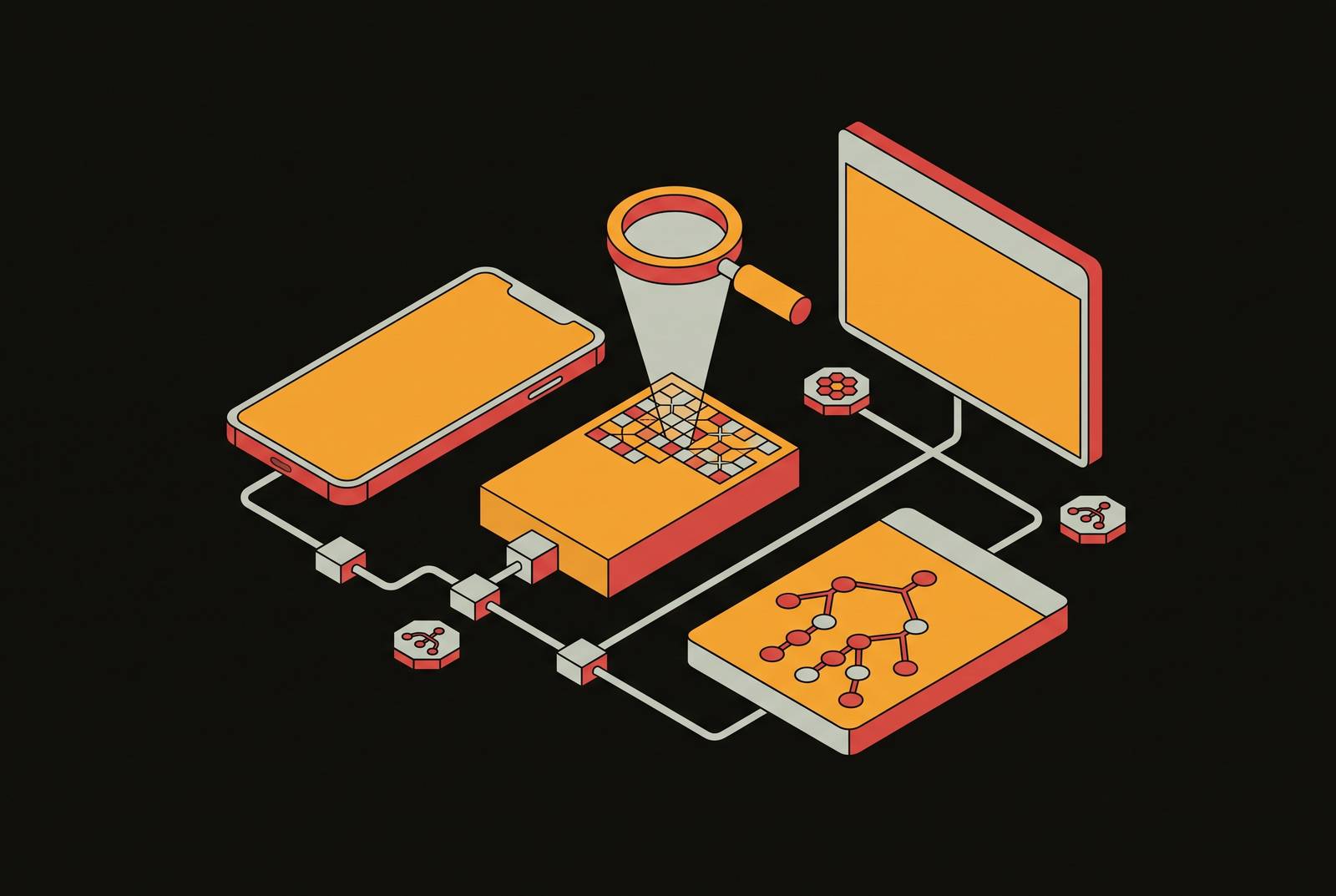
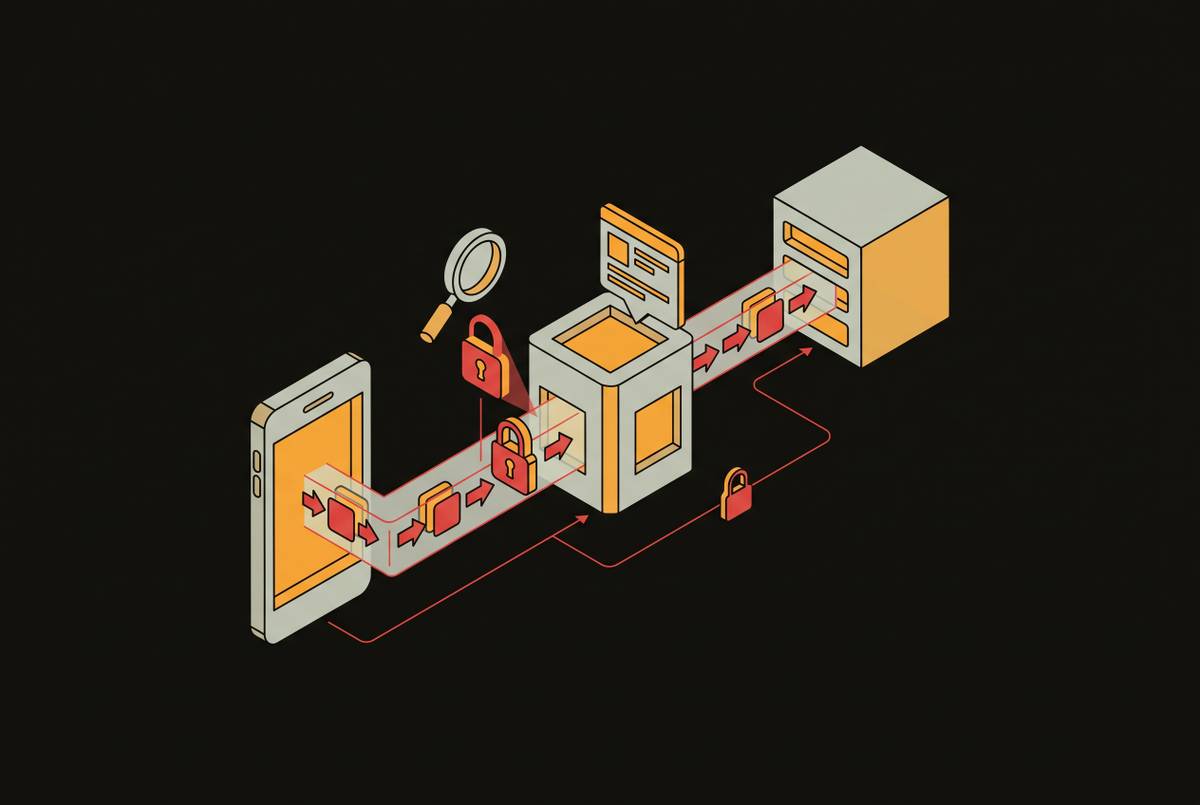
Download an app straight from the App Store, point strings or Ghidra at the binary inside, and the output is garbage. No readable function names, no legible data, nothing that looks like code. That failure is the first wall most practitioners hit, and it comes from two problems stacked on top of each other. App Store binaries ship wrapped in FairPlay DRM, so the file on disk is encrypted, and the code underneath, once decrypted, is native ARM64 machine code. Running otool against the on-disk binary returns cryptid=1, confirming that class-dump, Ghidra, strings, and every other static tool are reading ciphertext. Compare this to Android, where the ART runtime compiles DEX bytecode into native code at install time but still leaves behind an intermediate form that decompiles toward something close to original source. iOS skips that courtesy. Decompiling an iOS binary gets you assembly, not reconstructed source, so if you're trying to read the result, the skill floor goes up. Even after the encryption is stripped away, the analyst is left staring at raw ARM64 instructions, Objective-C runtime dispatch calls, and Swift metadata. This double barrier, encryption plus native compilation, is a structural property of the platform, and it dictates the order and shape of every step that follows in a static analysis workflow.
Getting past FairPlay: producing a decrypted binary before static analysis begins
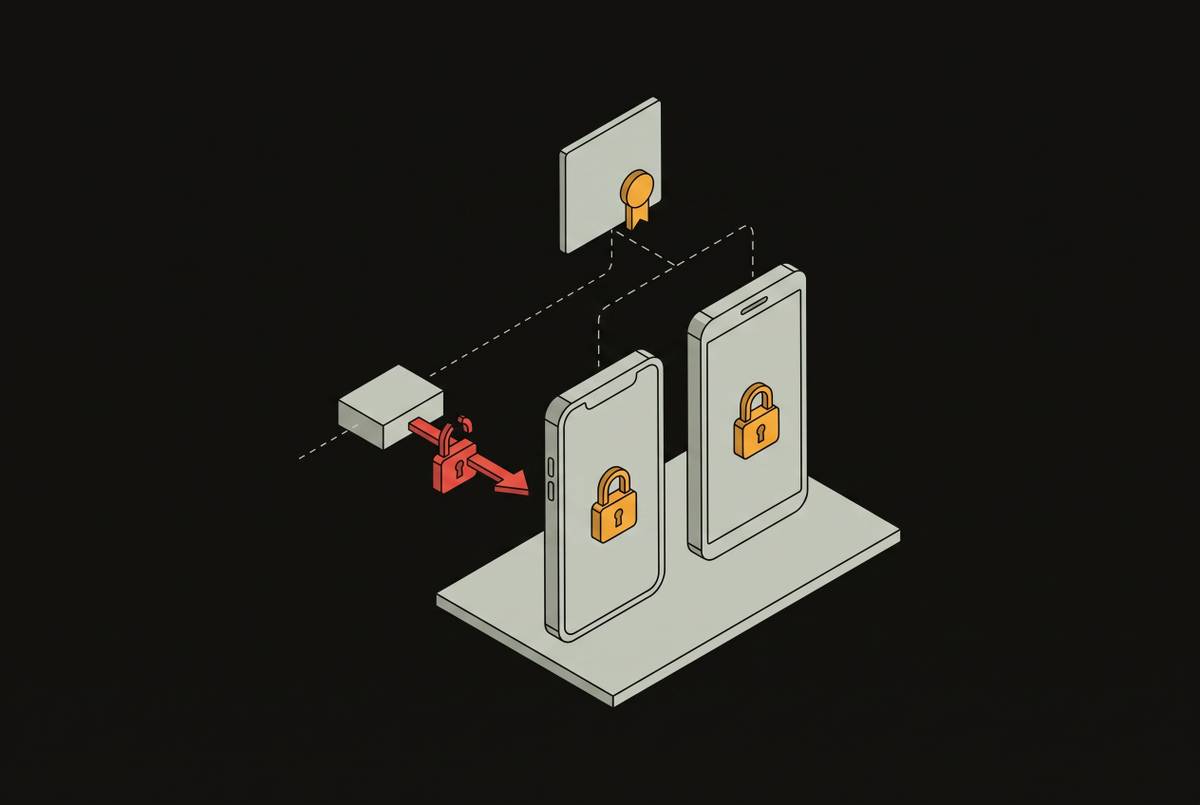
Breaking FairPlay encryption directly is not the goal, and it is not necessary. The practical route is to let the operating system do the decryption and then grab the result before it disappears. iOS decrypts the binary into process memory the moment the app loads, and a tool like frida-ios-dump can pull the binary straight out of memory at that moment. The output is a cryptid=0 IPA, ready to hand off to the rest of the toolchain.
Before moving forward, confirm the dump actually worked. Skipping that check means potentially spending hours in a disassembler looking at sections that are still encrypted, which wastes time for no reason.
An IPA file is just a ZIP archive with a different extension. Once that's confirmed, the binary is ready for the static toolchain described in the rest of this piece.
Not every binary needs this treatment. If you're working from a TestFlight build, an enterprise-distributed build, or a developer-signed IPA, you may already have an unencrypted binary in hand. A quick check with otool settles the question before anyone commits time to a memory dump that was never needed.
The structural complexity involved here, FairPlay encryption compounded by native ARM64 compilation, is a large part of why rigorous security testing demands specialized tooling over generic scanning. Penetration testing platforms like Trace that run whitebox assessments lean on direct access to source code and cloud configurations precisely because binary-level reverse engineering at this scale takes real technical depth, and it rarely substitutes for code-level visibility when the goal is finding exploitable vulnerabilities.
Mach-O binary headers before disassembly
Once the binary is decrypted, a surprising amount of security-relevant information sits right there in the file's own headers and the files packaged alongside it, no decompiler required. The Mach-O format stores a set of hardening flags that otool or rabin2 can read directly. The crypto flag should now read 0, confirming the dump worked. The pic flag indicates whether Position Independent Code and ASLR are enabled; a binary without PIE loads at a fixed address every time, which makes exploitation far more reliable for an attacker. Other flags show whether the app was built with Automatic Reference Counting, and if it wasn't, it carries a higher risk of memory corruption bugs.
Running strings against the binary is a fast, high-yield pass that often turns up more than expected, even in a stripped binary with no debug symbols left. Filtering the output with something like grep -E "(http|api|key|password|secret)" cuts the noise down to the lines worth reading before anyone opens a disassembler.
The app bundle itself is worth a look too. An app requesting far more than its functionality requires is a finding on its own, independent of anything found later in disassembly.
None of this is a complete analysis. It's a triage pass, and its value is in pointing the rest of the work toward the parts of the binary that matter, rather than making the analyst read every function cold. Extracting this kind of metadata, hardening flags, stripped symbols, entitlements, plaintext strings, mirrors a principle that shows up across modern penetration testing more broadly: run the high-yield triage pass first, before spending analyst time on deeper manual inspection. AI-native platforms such as Trace follow the same philosophy: they combine source code and cloud configuration access to surface exploitable vectors quickly, clearing away noise so human reviewers can spend their time on genuine risk.
Recovering class and method structure with class-dump and ipsw
Objective-C keeps a surprising amount of its own structure inside the binary. Class names, method selectors, protocol conformances, and property declarations all live in named Mach-O sections, placed there by the Objective-C runtime itself. Tools built around class-dump read those sections and rebuild header files that look close to the original source headers the developers wrote.
The original class-dump tool hasn't been maintained since 2019, and it has no native support for Swift types. The maintained alternative is ipsw class-dump, part of the broader ipsw command-line research tool for iOS and macOS, and it's the better choice for current binaries.
What this buys the analyst is a map. Method names like -[LoginViewController validateCredentials:], -[SubscriptionManager isPremiumUser], and -[CertificatePinningManager evaluateTrust:] become visible immediately. Instead of opening a disassembler and guessing where to start, the analyst already knows which functions to look at first.
Swift complicates this picture somewhat. Swift binaries don't store their type information in the same Objective-C sections, so recovering it means parsing Swift metadata instead. Even partial recovery beats walking into a disassembler with no names and no structure.
Class-dump recovers structure, not behavior. It confirms that a method exists and shows its signature, but it says nothing about what the method actually does. That question is still the disassembler's job.
Disassembly and decompilation: Hopper and Ghidra
With a decrypted binary, a metadata snapshot, and a class map in hand, the next decision is which disassembler does the actual reading. Two tools cover this layer of iOS work, and they're complementary rather than interchangeable, each earning its place depending on platform, budget, and what the analyst needs out of the session.
Hopper Disassembler is commercial software, though a free trial is available, and it runs on macOS and Linux. It specializes in Mach-O binary analysis, while also handling PE binaries from Windows and ELF binaries from Linux. The limitation is platform. Hopper runs on macOS and Linux only, with no Windows version, and its strength is in Apple platforms.
Ghidra, developed by a government agency and released free and open source, runs on Windows, Linux, and macOS, and it handles ARM64 capably with a built-in decompiler that turns assembly into C-like pseudocode at no license cost. Python and Java scripting APIs support a growing plugin ecosystem.
A commercial disassembly tool also belongs in this conversation as context, even though it isn't the focus here. For years it was the default choice for serious disassembly work because of its decompiler quality, but its licensing cost put it out of reach for a lot of independent analysts and smaller teams. The real split that matters day to day is between Hopper and Ghidra: Hopper for fast, targeted iOS-specific work when the analyst already knows roughly where to look, and Ghidra for thorough whole-binary analysis on a budget, for team collaboration, or for anyone not working on macOS.
Reading either tool's output means being fluent in a small set of ARM64 instructions that show up constantly in iOS binaries: mov, ldr, str, and adrp for moving data around; bl, ret, cbz, and cbnz for calls and conditional branches; and _objc_msgSend, which handles every single Objective-C method dispatch. The core workflow loop looks like this: search the binary for a string like "premium" or "subscription," follow the cross-references back to the code that uses it, land on something like -[SubscriptionManager isPremiumUser], and read the decompiled logic to see whether the validation happens entirely on the client. A client-side boolean check with no server validation behind it is bypassable, and that's exactly the kind of finding this loop is built to catch.
Automated baseline scanning with MobSF before manual disassembly
Before any of that manual disassembly work starts, run MobSF against the decrypted IPA: in minutes you get a structured baseline, mapped against OWASP categories, that tells you where to spend disassembler time and which questions the automated tool has already answered.
MobSF covers entitlement analysis, App Transport Security configuration, binary protection flags, hardcoded secrets detection, and insecure API call identification in one pass, the same checklist that would otherwise take an analyst close to an hour to work through by hand. Each finding ties back to a specific MASTG test ID: MASTG-TEST-0210 covers broken symmetric encryption algorithms, MASTG-TEST-0070 covers universal links on iOS, and MASTG-TEST-0024 covers app permissions on Android. Because the output maps this way, it lines up directly with OWASP MASVS Level 1 or Level 2 verification and drops straight into an audit pack without reformatting.
Automated static tools come with a real false-positive rate, even with well-tuned rule sets, and MobSF is no exception. An analyst must manually triage each finding before it counts as something reportable. The tool hands over candidates, not confirmed vulnerabilities.
The right order of operations is to run MobSF first to get the map, then open Hopper or Ghidra to confirm the findings that actually matter and go after what MobSF structurally cannot find: logic flaws, authentication flow correctness, and pinning bypass points.
The vulnerability classes static analysis reliably surfaces on iOS binaries
Static analysis on iOS binaries earns its keep on four kinds of finding: hardcoded secrets, binary hardening gaps, cryptographic misuse, and configuration exposed through the app's property list file.
Hardcoded secrets, API keys, passwords, encryption keys, and authentication tokens appear in the strings pass and get confirmed later in the disassembler. An app using AES-256-GCM with a key baked directly into the binary gets no real confidentiality protection, regardless of how strong that cipher is on paper.
Binary hardening gaps matter less as standalone findings and more as conditions that make other vulnerabilities easier to exploit later. Document these as preconditions, not as critical findings on their own.
Cryptographic misuse is rarely about the algorithm. OWASP's MASVS-CRYPTO standard calls for correct cryptographic primitives, no hardcoded keys, no deprecated algorithms like MD5, SHA-1 for security purposes, or DES, and proper key management through the platform's own keystore, the Android Keystore or the iOS Secure Enclave. The far more common mistake is key management: a strong cipher with its key embedded in the binary is a broken implementation no matter how modern the algorithm is.
Info.plist exposes its own category of finding without any disassembly. ATS exceptions that permit cleartext HTTP, overly broad URL schemes, and backend server URLs sitting in plain configuration are direct findings straight from the plist inspection step.
How static analysis feeds dynamic testing
Static analysis answers what the code contains and how it's put together. It cannot answer how the app behaves once it's running, what the backend actually enforces, or whether a suspected flaw can really be exploited. A finding that stops at detection without proof of exploitability is security theater dressed up with better tooling.
Certificate pinning is the clearest example of where the handoff happens. Static decompilation in Hopper can reveal a custom URLSession delegate validating certificate hashes in Swift, even through obfuscation passes, and that reading is necessary to understand the validation logic. But proving the bypass works requires a Frida hook that intercepts the call at runtime and confirms the app will accept a certificate it shouldn't trust.
Frida and Objection are the dynamic tools that pick up where static analysis leaves off. The analyst identifies the interesting method in Hopper first, then hooks it at runtime with Frida to watch its behavior and test for bypasses. For certificate pinning specifically, Objection's one-liner handles NSURLSession and most third-party libraries on the first attempt; when it fails, the next step is identifying the specific pinning implementation, whether it's TrustKit, Alamofire, a custom SecTrustEvaluate call, or Network.framework, and writing a targeted Frida script against it.
Some findings are outside static analysis's reach no matter how thorough the disassembly is. If authentication bypass needs a live server, or you're looking at broken object-level authorization in the mobile API, runtime data exposure in memory, or business logic flaws tied to server-side state, you need a tester working against the running application who understands what it's supposed to do.
Static reverse engineering is the groundwork that makes dynamic testing fast and targeted, not a stand-in for it. An analyst who has already mapped the binary knows which hooks to write, which methods to intercept, and which behaviors to watch for at runtime. If you skip the static phase, dynamic testing turns slow and unfocused by comparison.
Trace builds on exactly this sequence: the static toolchain described throughout this piece, paired with review from OSCP-certified engineers and dynamic validation, produces findings proven with working exploits. Its reports are built to be accepted for SOC 2, HIPAA, and ISO 27001 audits, and the workflow laid out here is the first phase of what a rigorous whitebox mobile penetration test looks like in practice.