WebView Security Vulnerabilities in Hybrid Mobile Apps
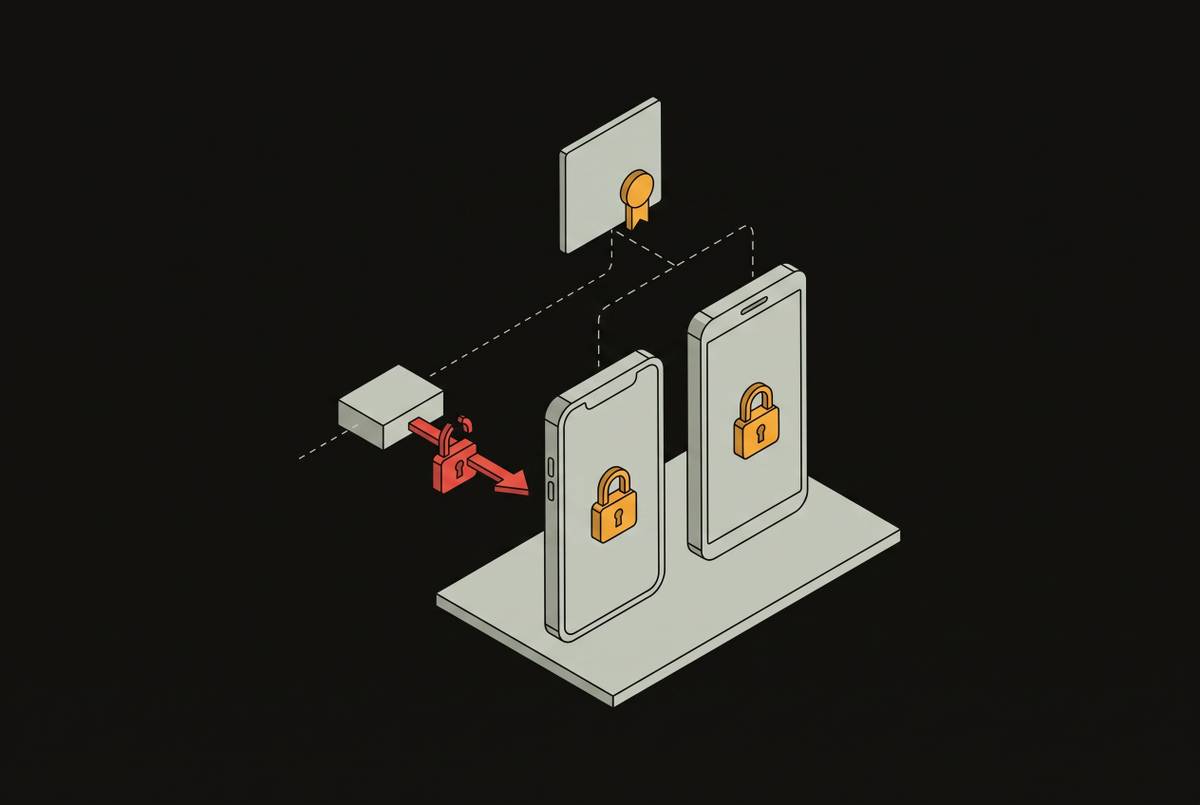
Injected JavaScript in hybrid apps can reach native device features through the WebView bridge.

A hybrid app joins web code to native device capabilities, so a flaw at that boundary can turn injected JavaScript into access to private data or device features. Securing it means testing both layers and the connections between them, then repeating that work as the app changes.
Why hybrid apps face a different threat model than pure-web or pure-native apps
A classic hybrid app has a web application inside a native container. The WebView renders web content, while the container connects the app to the operating system. The same executable has both attack surfaces. That makes the boundary between them a security concern in its own right.
A standalone browser isolates pages from the system, while a WebView can use binding interfaces that connect JavaScript to private data and system resources. El-Zawawy, Losiouk, and Conti’s 2021 research in Computers & Security describes how malicious JavaScript in a hybrid app can access sensitive device data, bypassing the sandbox model usually adopted by standalone browsers. The native app’s permissions therefore become part of the assessment of its web content.
A defect in logic shipped to both iOS and Android can affect both builds, rather than staying within one platform’s implementation. In banking, healthcare, and HR apps, sensitive personal information is close to that boundary. The threat model must therefore cover the container, the embedded web layer, and the paths through which they exchange data and authority.
How the JavaScript bridge turns a web vulnerability into a native device exploit
Android’s addJavascriptInterface injects a Java object into the WebView, allowing JavaScript to call the native methods the app exposes. It does not automatically grant access to every device feature. But if those methods connect to contacts, camera, storage, or location APIs, those capabilities become reachable through the bridge.
That connection changes the reach of injected JavaScript. In a standalone browser, an ordinary cross-site scripting flaw does not provide the host app’s native methods. In a hybrid app, the same entry point can reach whatever the bridge exposes, with the host application’s permissions. Legacy implementations without proper annotations also allowed untrusted JavaScript to reach Java reflection APIs and execute arbitrary code. Device access is conditional on the implementation, but it is not a theoretical distinction.
The bridge is not the only crossing point. The same research found three more types of vulnerability in WebViewClient objects, and BabelView found none of them. File-access settings open more paths because permissive setAllowFileAccess settings can expose local files, while universal access lets JavaScript loaded from a file reach resources from any origin. The app also needs to check the origin of each message passed through postMessage. These paths deserve inspection together, because cross-site scripting is the upstream trigger for most JavaScript bridge exploits.
The vulnerability classes that matter most in a hybrid WebView context
Cross-site scripting deserves first attention because it feeds the bridge. An attacker who injects JavaScript into the WebView’s rendering context gains access to the native methods available to that context. The script is the delivery mechanism. Its severity depends on what it can change in the page and the native capabilities and data paths it can reach.
Local data exposure comes next because backend controls cannot protect data that has already been left unencrypted on the device. Session tokens, cached API responses, and form data in local storage or SQLite can be readable on a rooted or jailbroken device. Hardcoded secrets can also be exposed before the app even runs. JavaScript bundles are readable after unpacking an APK or IPA, so an embedded API key or credential is effectively public.
Server-side request forgery can combine with WebView URL-redirect vulnerabilities to form a path toward localhost or internal services. Insecure deserialization can lead to arbitrary remote code execution in services that work with the app’s data. These are not uniquely hybrid bugs. Their relevance comes from the connected architecture, in which JavaScript calls link the WebView to a broad API surface.
Plugins add to that architecture by linking web code to native features. Ionic and Cordova ecosystems rely heavily on community plugins for camera, biometrics, and payments access, making each plugin another potential entry point. Unpatched libraries add known weaknesses to those connections. Sensitive traffic can also be exposed if TLS configuration is weak, the app accepts self-signed certificates, or certificate pinning is missing. Intercepted credentials or tokens can undermine otherwise sound controls at either end.
How usability decisions in WebView design quietly expand the attack surface
Zhang, Wu, Li, and Gao’s RAID’21 study tested in-app browsing interfaces in 25 high-profile apps, including Facebook and Gmail, against eight security criteria. The tests covered opening, displaying, and navigating pages. Roughly a third of the apps did not show enough URL information for an informed decision about opening a link. Nearly all custom interfaces had problems faithfully displaying page security information, and only a few warned about entering passwords on potentially phishing login pages.
This is a trust failure the user experiences directly. When an attacker redirects a WebView to a substitute login page, a user loses the clues they would normally check if browser controls are missing, URL information is unclear, and HTTPS indicators are absent. The page appears inside a familiar app. That surrounding interface can make the substituted content look trustworthy even when the destination has changed.
The study found that most notified developers acknowledged the findings but showed less willingness to fix usability issues than technical vulnerabilities. SFSafariViewController preserves the full browser security model on iOS, while Chrome Custom Tabs offers better security properties than a custom Android WebView without fully reproducing that model.
What the OWASP MASVS and MASTG actually require testers to check in a hybrid app
OWASP MASVS names the control domains for the assessment, while a mobile security testing guide lays out a testing framework for checking mobile security in practice. A useful test result ties to a specific control failure and provides enough detail to show which part of the hybrid stack failed. A WebView assessment needs that mapping because one exploit can cross several domains.
MASVS-PLATFORM covers interaction with the operating system, including IPC, exported components, and WebView configuration. That places JavaScript interfaces, addJavascriptInterface, and WebViewClient logic within the platform review. MASVS-STORAGE covers data at rest, including what the app writes locally and whether sensitive data is encrypted. MASVS-CRYPTO covers how keys are generated and stored and how cryptographic primitives are used, so it applies to secrets embedded in JavaScript bundles.
MASVS-AUTH covers authentication and authorization on the device and against the backend. MASVS-RESILIENCE covers anti-tampering and integrity checks, including root and jailbreak detection and code obfuscation. These checks require more than one kind of evidence. Static analysis, dynamic instrumentation, network interception, and device-level testing perform different jobs. A tool that finds a storage problem does not establish that the bridge, authentication flow, or runtime protections are sound.
Why blackbox testing misses the most dangerous WebView vulnerabilities and what to do instead
An external blackbox test establishes what an attacker can discover and exploit from the public-facing surface. That is useful perimeter evidence, but it does not provide systematic visibility into the WebView’s implementation. Bridge configuration and WebViewClient logic live inside the app. A tester working only from external behavior may never reach the conditions that make those paths dangerous.
A tester can obtain and unpack an APK or IPA to inspect JavaScript assets, but that is different from examining an internet-facing endpoint. Source access makes the review more systematic and exposes how the pieces connect. Greybox access with credentials helps testers check for privilege escalation and lateral movement, but credentials alone do not show which native methods the bridge exposes.
The appropriate method for this internal surface is whitebox testing. Its inputs include the source repository, cloud configuration, and build artifacts, giving the tester visibility into bridge methods, universal-access settings, bundles, and WebViewClient behavior. That access supports inspection of paths that dynamic testing alone is unlikely to exercise. It also allows findings to be tied to the code responsible for them.
For a bridge vulnerability, a working exploit should demonstrate that the web-layer entry point reaches the native capability named in the finding. An exposed method alone does not prove all the harm that might follow from it. The claimed severity remains unverified until that chain has been shown to work.
Hardening a hybrid WebView: the controls that actually close the gaps
The practical response starts at the web-to-native boundary. Disable unnecessary JavaScript interfaces and restrict the remaining bridge to an explicit allowlist of native methods. Validate every message between the layers, including explicit verification of postMessage origins. Disable setAllowFileAccess and universal access unless a specific, documented functional requirement needs them. For external web content, use Chrome Custom Tabs or SFSafariViewController.
At the storage layer, use platform-native secure storage for sensitive data, including Keychain on iOS and EncryptedSharedPreferences or Android Keystore on Android. Treat local storage as untrusted by default. Encrypt data written to disk rather than protecting only session tokens, and never embed API keys or credentials in JavaScript bundles. At the transport layer, the controls to verify include certificate pinning, TLS configuration, and certificate acceptance behavior.
Plugin governance needs a complete build inventory. Keep a record of every plugin and SDK, remove dependencies that are not used each release cycle, and pin versions so upstream changes cannot get into production unnoticed. Shared modules need close checks because one flaw can spread to builds for more than one platform. Runtime protection adds root and jailbreak detection, anti-tampering checks, and code obfuscation, but those measures do not make embedded secrets safe.
Verification must include physical devices. Emulator-only testing cannot validate failures involving Secure Enclave or StrongBox, so it leaves part of the runtime assessment unanswered. The same principle applies to the other layers. A restrictive setting, an encrypted store, or a patched dependency is an intended control until testing shows that it works.
Why point-in-time pen tests are insufficient for hybrid apps that ship continuously
An annual pen test describes one build on one date. A later JavaScript bundle, newly exposed native method, or added plugin can introduce a critical flaw outside that assessment’s scope. The deployment cadence therefore sets the pace of security verification.
An organization completes its annual test in January, then ships a routine update in February. If that update introduces a vulnerability exploited by April, the January report offers no evidence about the affected code. The gap comes from treating a version-specific test result as a lasting property of the application.
Continuous pull-request scanning can check changes to bridge configuration, new JavaScript interfaces, and secrets newly embedded in the code before they reach production. The response to developer burnout is targeted coverage. Scanning focused on bridge configuration, JavaScript bundle secrets, and WebViewClient changes addresses the hybrid-specific paths without relying on broad SAST on every commit as the sole answer. A human tester still has to check whether a suspected entry point can reach the native capability named in the claim.
Remediation needs its own feedback loop as well. On-demand retests after a patch establish whether the original exploit path is closed, rather than leaving the fix untested until the next annual assessment. A fix is not confirmed merely because it shipped.